Job seekers01
Prepare for the DAX round
Work through the kind of DAX questions analyst interviews actually ask, and see straight away whether your answer is right.
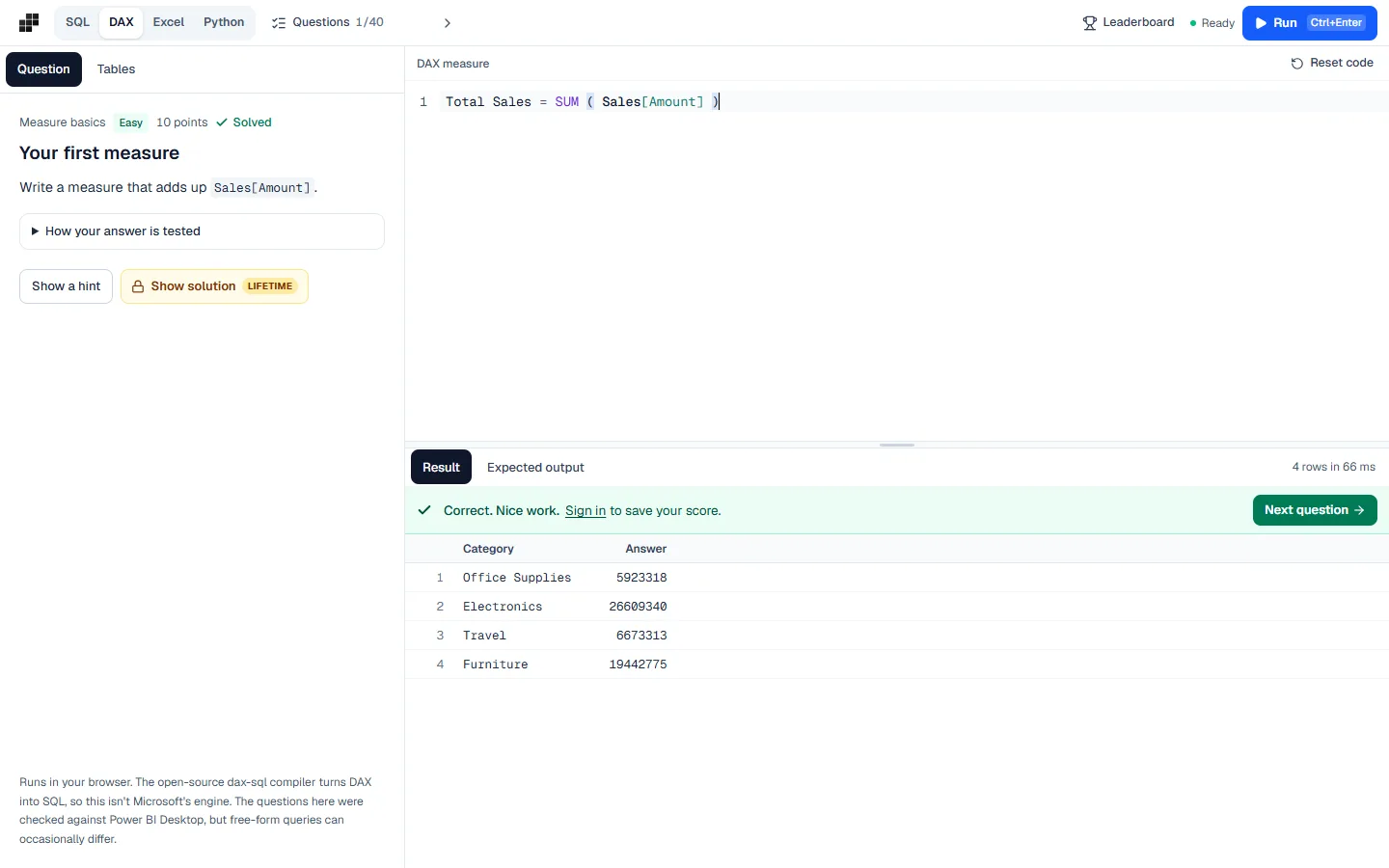
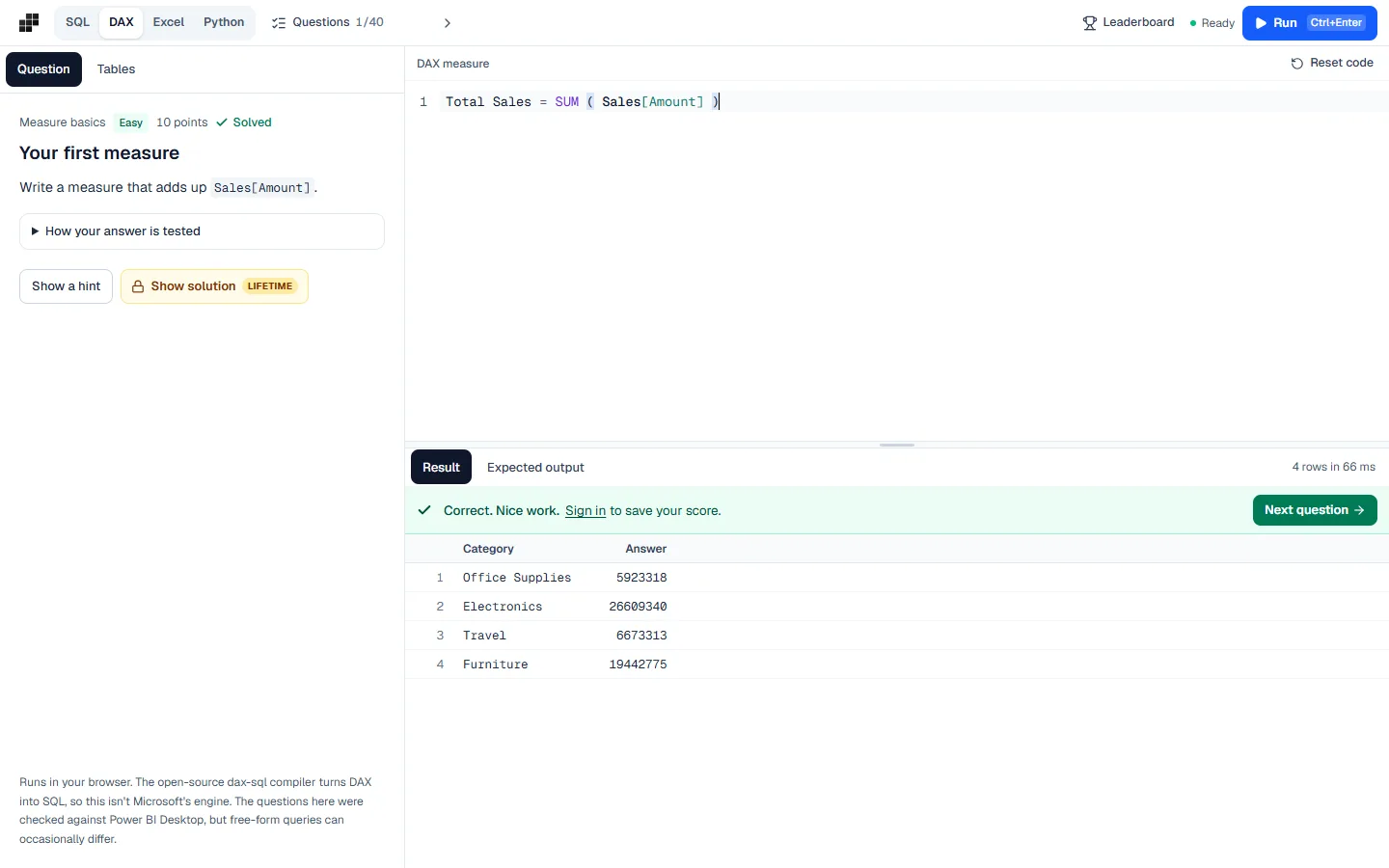
Most DAX tutorials show you a formula. Interviews ask you to write one. Practise on a real star schema, write your measure or query in the browser and see straight away whether it returns what Power BI Desktop would.
The situations people open the DAX Interview Practice for, most often.
Work through the kind of DAX questions analyst interviews actually ask, and see straight away whether your answer is right.
No database, licence or install to sort out first. Open the page on any laptop and start answering.
Ten minutes on a few Medium or Hard questions is a quick way to stay fluent between projects.
CALCULATE, filter and row context, iterators, ALL and REMOVEFILTERS, and time intelligence.

Write and run DAX in the browser on any computer, including Mac.
Every question’s expected result was verified in Power BI Desktop.
Fact and dimension tables joined by relationships, like a real model.
No card needed. Upgrade only for the extras listed under Plans.
Nothing to install and nothing to configure. Open the page and start.
Works on any laptop with a modern browser, at work or at home.
Every answer is compared with the expected result the moment you run it.
Use the DAX Interview Practice for free. Upgrade only for the parts below.
Expect questions like total sales for last year, sales for one category regardless of the slicer, running totals, percent of total and the difference between SUM and SUMX. They test whether you understand filter context, not whether you remember function names.
CALCULATE is at the centre of almost all of them. If you can explain what filters it adds or removes, and when row context becomes filter context, you can answer most DAX interview questions.
The engine here is the open-source dax-sql compiler, which turns DAX into SQL. It is not Microsoft’s engine, so free-form queries can occasionally differ, but the questions themselves were checked against Power BI Desktop.
No. Everything runs in your browser, so it works on Mac and on computers where you cannot install software.
No, it uses an open-source compiler. The questions were verified against Power BI Desktop, but unusual free-form queries can sometimes give a different result.
Easy and Medium questions are free, with no signup. Hard questions and worked solutions come with Lifetime or Pro.
Measures, CALCULATE and time intelligence on a star schema, checked against Power BI.
 Practice
Joins, group by and window functions on six connected tables. Runs in your browser.
 Practice
Lookups, SUMIFS and dynamic arrays in a real spreadsheet, checked against Excel.
 Practice
Core Python and pandas questions running on real Python in your browser.