The Developer
Power BI Dashboard Design: Best Practices, Principles, and Real-World Examples
Master Power BI dashboard design with proven best practices: visual hierarchy, color theory, layout principles, interactivity, and examples from expert tutorials including 'The Developer' YouTube channel projects.

Core Design Principles for Power BI Dashboards
Dashboard design starts with understanding your audience and their decision-making needs. Executives need high-level KPIs at a glance, while analysts require drill-down capabilities and detailed metrics.[web:167][web:169]
Always design for one-screen viewing: eliminate scrollbars and focus on the most critical information that answers the primary business question.[web:167]
1. Establish Visual Hierarchy
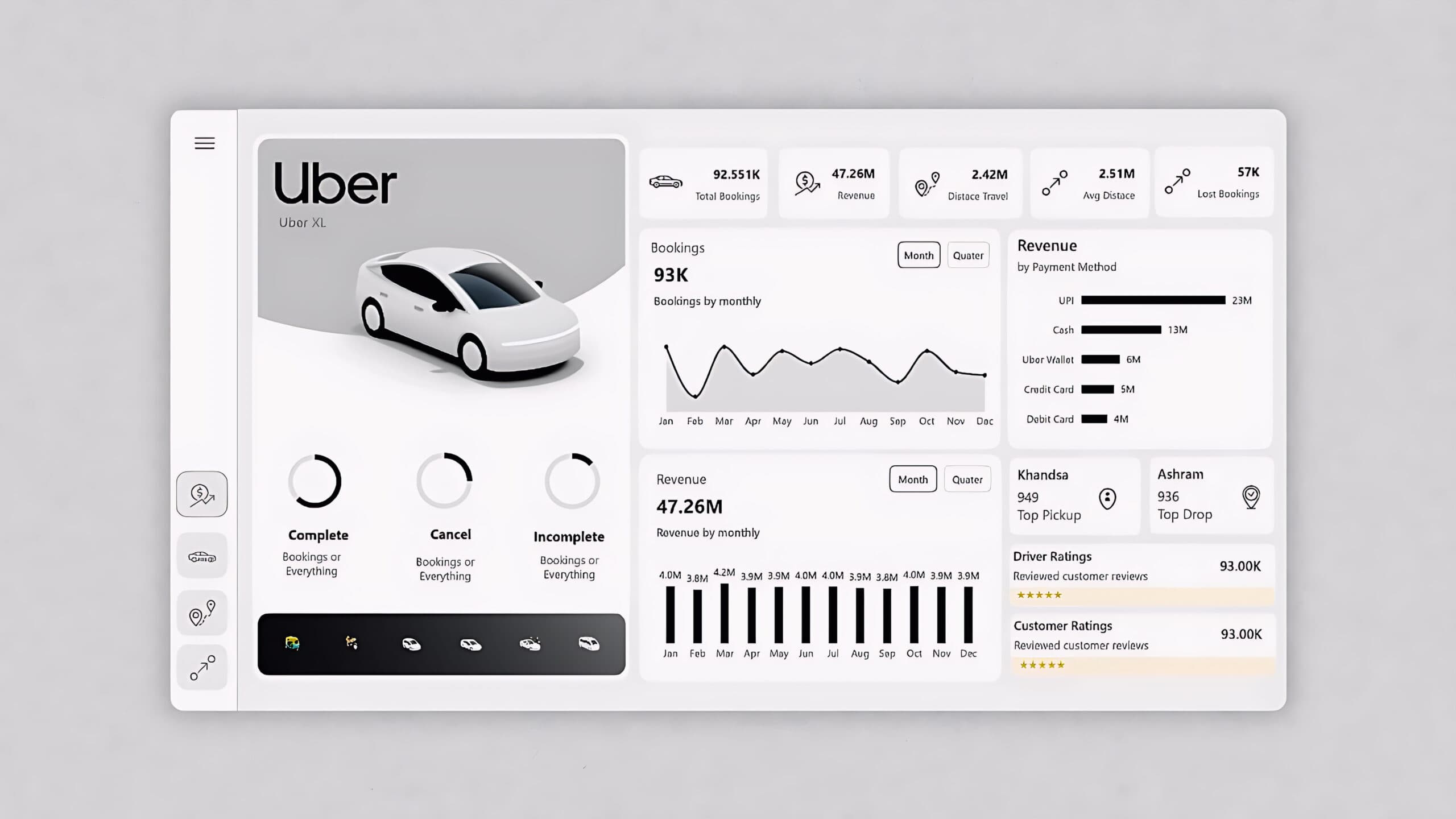
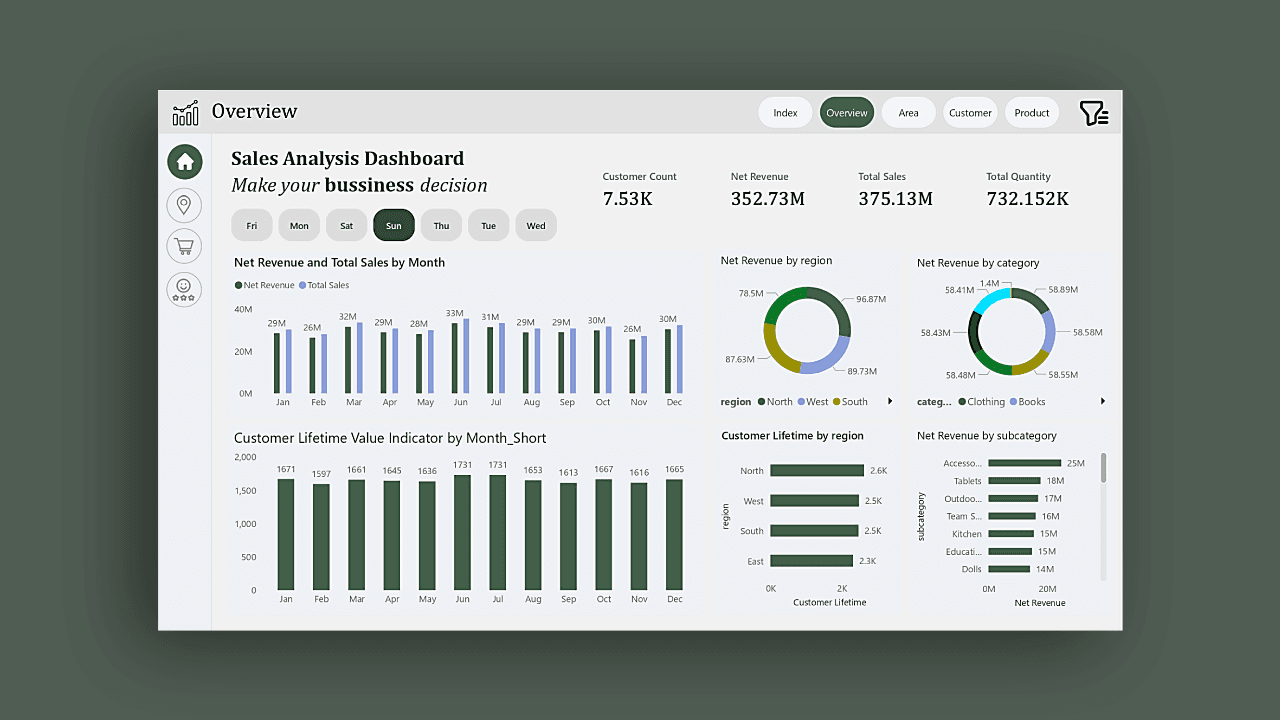
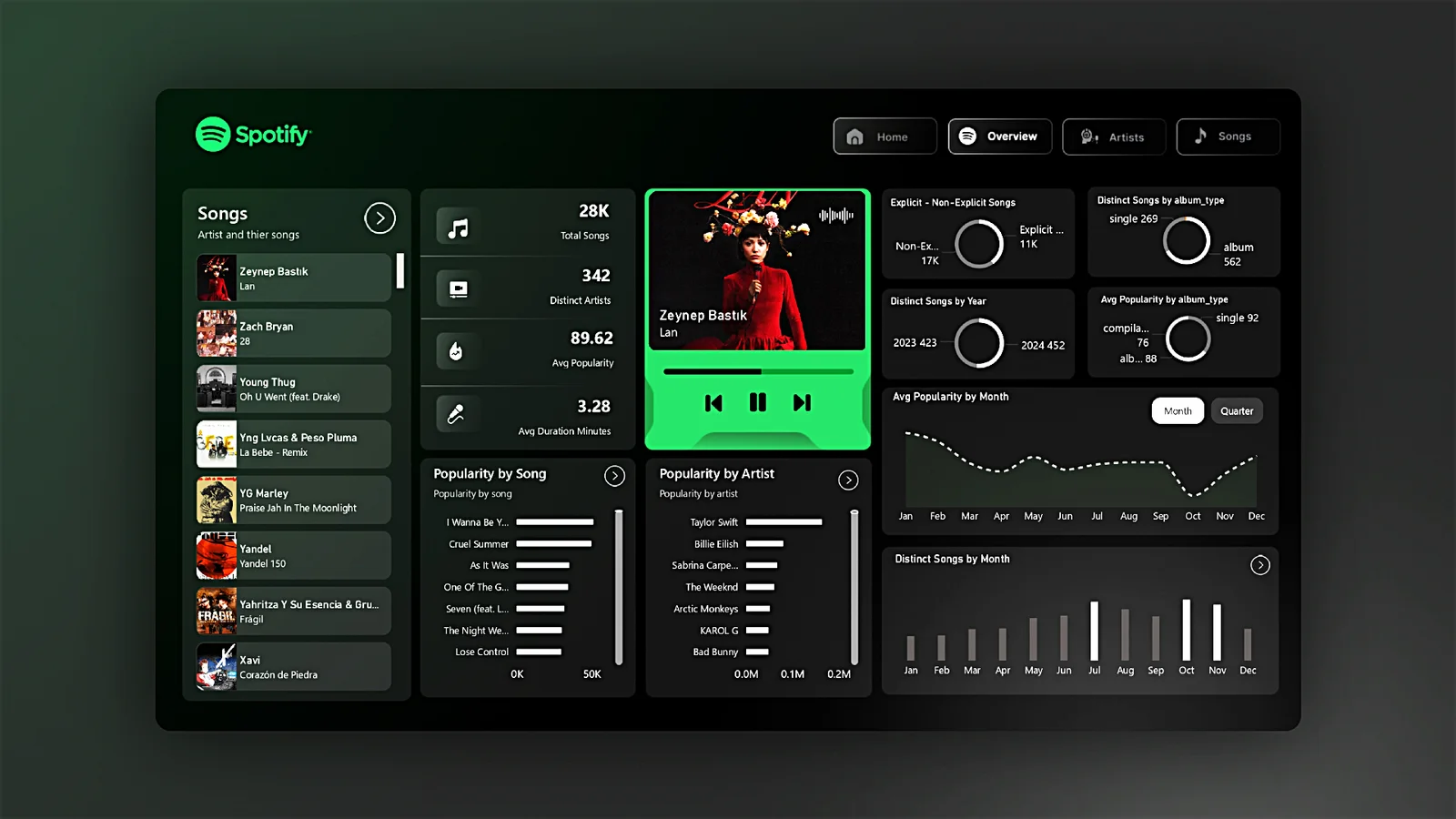
Guide users' eyes naturally from most important to supporting information using size, color, and positioning. Place KPIs prominently at the top, followed by trends and details below.[web:167][web:171]
- Largest elements: Primary KPIs and headlines
- Medium elements: Trend charts and comparisons
- Smallest elements: Tables, details, or secondary metrics
2. Choose the Right Visual Types
Avoid 3D charts, excessive pie charts, gauges, or donut charts that distort perception. Use bar/column charts for comparisons, line charts for trends, and tables for precise values.[web:167]
- Bar/Column charts: Best for comparing categories side-by-side
- Line charts: Trends over time
- KPI cards: Single metrics with targets and variance
- Maps: Geospatial patterns (avoid if location data is imprecise)
Color, Consistency, and Readability
Limit your color palette to 5-7 colors: one primary, 2-3 accents, grayscale neutrals, and conditional formatting colors (green/red for positive/negative).[web:167]
Maintain consistency across axes scales, dimension ordering, and color assignments. Use whitespace generously to prevent clutter and improve scannability.[web:167][web:171]
Typography and Number Formatting
- Limit numbers to 3-4 digits; use abbreviations (3.4M instead of 3,400,000)
- Consistent time frames (don't mix monthly trends with yearly aggregates)
- Clear, readable fonts (Segoe UI, Calibri) at 10-14pt minimum
- Separate scales for large vs. small measures (use dual-axis when necessary)
Layout and Navigation Patterns
Create an overview/landing page with KPI cards and navigation buttons leading to deep-dive pages. Even complex reports with 50+ pages work when each serves a specific business question.[web:168]
Recommended Layout Structure
- Top row (20% height): Title, date range slicer, global filters
- Middle rows (60% height): 4-6 primary KPIs and trend visuals
- Bottom (20% height): Secondary metrics, navigation buttons, notes
Interactivity Best Practices
Limit slicers to 3-4 per page to avoid performance issues (each slicer triggers multiple queries). Use hierarchy slicers instead of custom visuals for drill-downs.[web:173]
Real-World Examples from The Developer Channel
The Developer YouTube channel (@The-Developer-BI) specializes in end-to-end Power BI dashboard projects that demonstrate professional design techniques.[web:172][web:174][web:176]
Zomato Dashboard Tutorial
Comprehensive food delivery dashboard covering order trends, restaurant performance, customer analysis. Features clean KPI layout, merchant analytics, and multi-source data modeling.[web:172]
Watch: Power BI Project Tutorial - Zomato DashboardHospital Management Dashboard
Multi-page healthcare dashboard with patient, doctor, finance, and staff views. Demonstrates role-based navigation, complex relationships, and healthcare-specific KPIs.[web:174]
Watch: Hospital Management Dashboard TutorialVirat Kohli Performance Dashboard
Sports analytics dashboard showing career stats, match performance, and trends. Excellent example of clean sports visualization design and rapid dashboard development.[web:176]
Watch: Virat Kohli Power BI DashboardAdvanced Techniques from Expert Sources
Microsoft recommends full-screen mode for presentations, consistent chart scales, and avoiding mixed precision levels (monthly next to yearly data).[web:167]
Performance Optimization
- Minimize slicers (each adds 2 queries)
- Use query reduction formulas and aggregation tables
- Optimize DAX with variables and early filters
- Test on mobile and different screen sizes
Great dashboards answer questions before they are asked, using clear hierarchy, consistent design, and intuitive interactivity.[web:167]
Dashboard Design Checklist
- ✓ Single screen, no scrollbars
- ✓ 4-7 color palette, consistent scales
- ✓ Clear visual hierarchy (KPIs first)
- ✓ Mobile-responsive layout
- ✓ 3 max slicers per page
- ✓ Business context and audience focus
- ✓ Performance tested (<5s load time)
Apply these principles to your next dashboard, study the referenced tutorials, and iterate based on stakeholder feedback to create analytics that drive real business value.