Dashboard designers01
A designed canvas in minutes
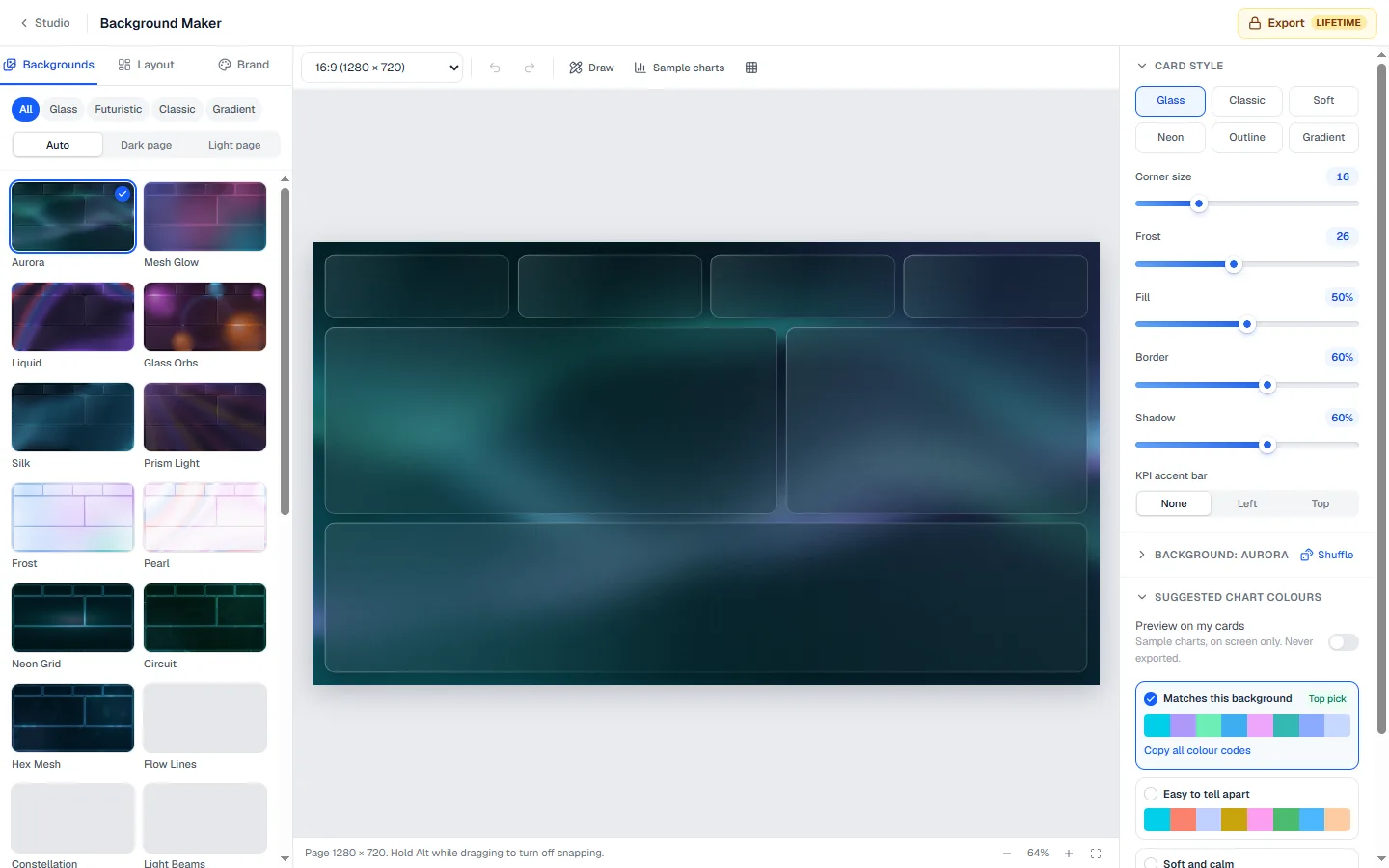
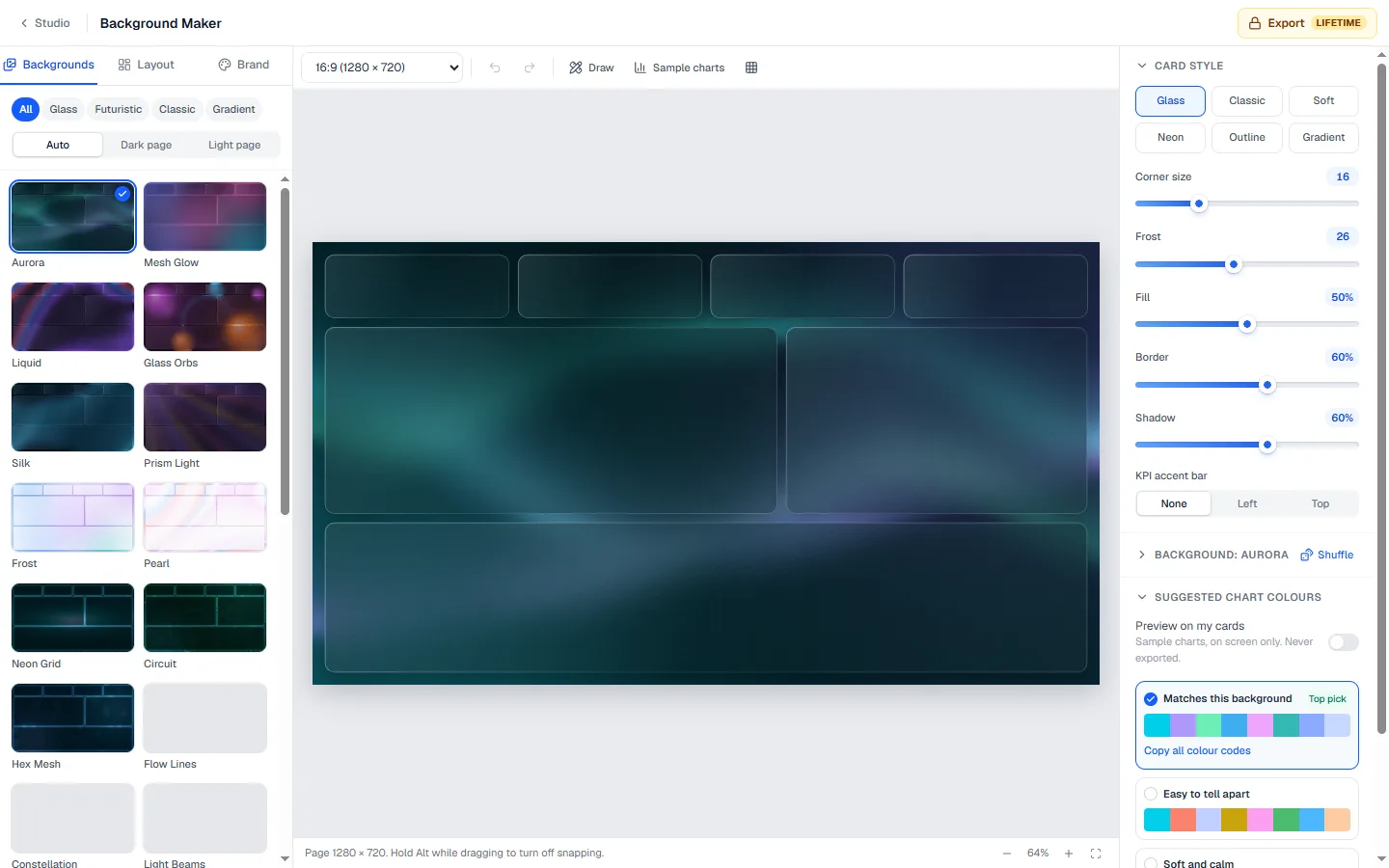
Lay out header, cards and panels as one background image so the report looks planned, not stacked.
A good background is what makes a Power BI report look designed rather than assembled. Pick a style, lay out cards where your visuals will sit, use your brand colors, and export an image sized for your report page.
The situations people open the Background Maker for, most often.
Lay out header, cards and panels as one background image so the report looks planned, not stacked.
Use the client logo and colours on the background and keep the chart palette matched to it.
Start from a layout at the exact Power BI page size and drop your visuals into the slots.
Glass, futuristic and classic backgrounds to start from.

Place cards where your KPIs and charts go, so the visuals line up on top.
Upload a screenshot of your report and draw the cards over it (Pro).
Get a chart color palette and theme that match the background.
No card needed. Upgrade only for the extras listed under Plans.
Nothing to install and nothing to configure. Open the page and start.
Works on any laptop with a modern browser, at work or at home.
What you download opens in Power BI Desktop like any other file of its kind.
Use the Background Maker for free. Upgrade only for the parts below.
Billed yearly
In Power BI Desktop, select the page, open Format page, then Canvas background. Choose Image, browse to the file you exported, set Image fit to Fit and transparency to 0%. Your visuals then sit on top of the cards drawn in the image.
Make the visuals themselves transparent (turn off their background) so the card underneath shows through. That is how most polished Power BI dashboards get rounded cards, shadows and glass effects that the formatting pane cannot draw.
The default page in Power BI is 1280 by 720, so the background is built for that size. Keep the same layout across pages and your report will feel like one product.
Match the page size, which is 1280 by 720 (16:9) by default. The background maker exports at that ratio.
JPG keeps the file small, which helps the report load. Use PNG when you need sharp text or transparency.
Yes. Set your brand colors and the maker also gives you a matching chart palette and theme.
Designing a background is free. Exporting the image, including HD, needs Lifetime, and tracing a screenshot of your report needs Pro.
Glass, futuristic and brand backgrounds with card slots where your visuals sit.
 Design
Build a Power BI JSON theme with AI, ready-made palettes and a live dashboard preview.
 Design
5,000+ free icons for Power BI. Recolor, copy SVG or get an image URL.
 Design
 your own chart in the browser and download a .pbiviz for Power BI Desktop.