Report developers01
Icons for KPI cards and nav
Find a clean icon for every metric and page button, recoloured to your theme before you export it.
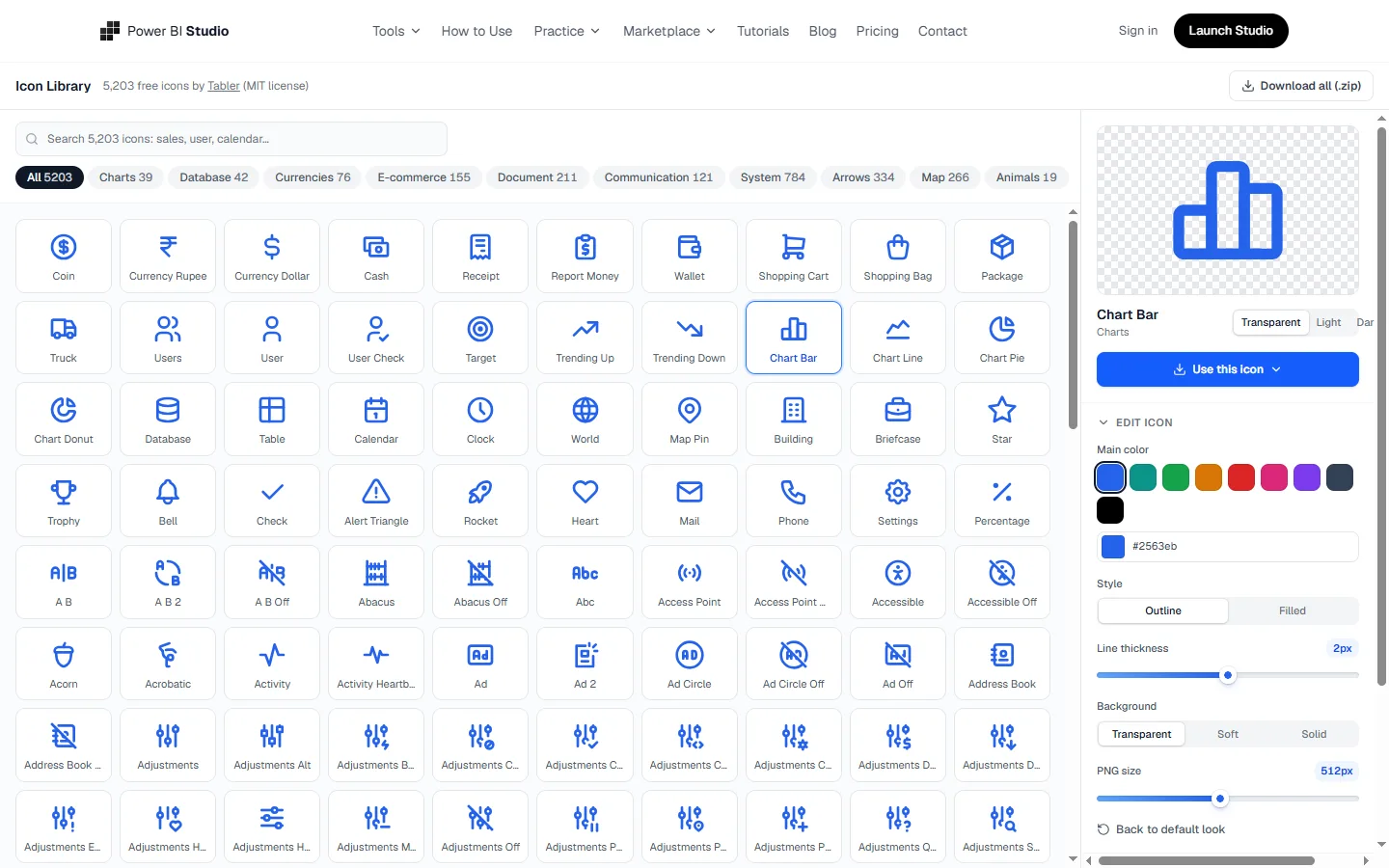
Icons make a Power BI report faster to read: a small symbol next to a KPI or on a navigation button tells people what they are looking at before they read the label. This library has over 5,000 clean icons you can recolor to match your theme and drop straight into a report.
The situations people open the Icon Library for, most often.
Find a clean icon for every metric and page button, recoloured to your theme before you export it.
Every icon comes from the same family, so a report never mixes three different styles.
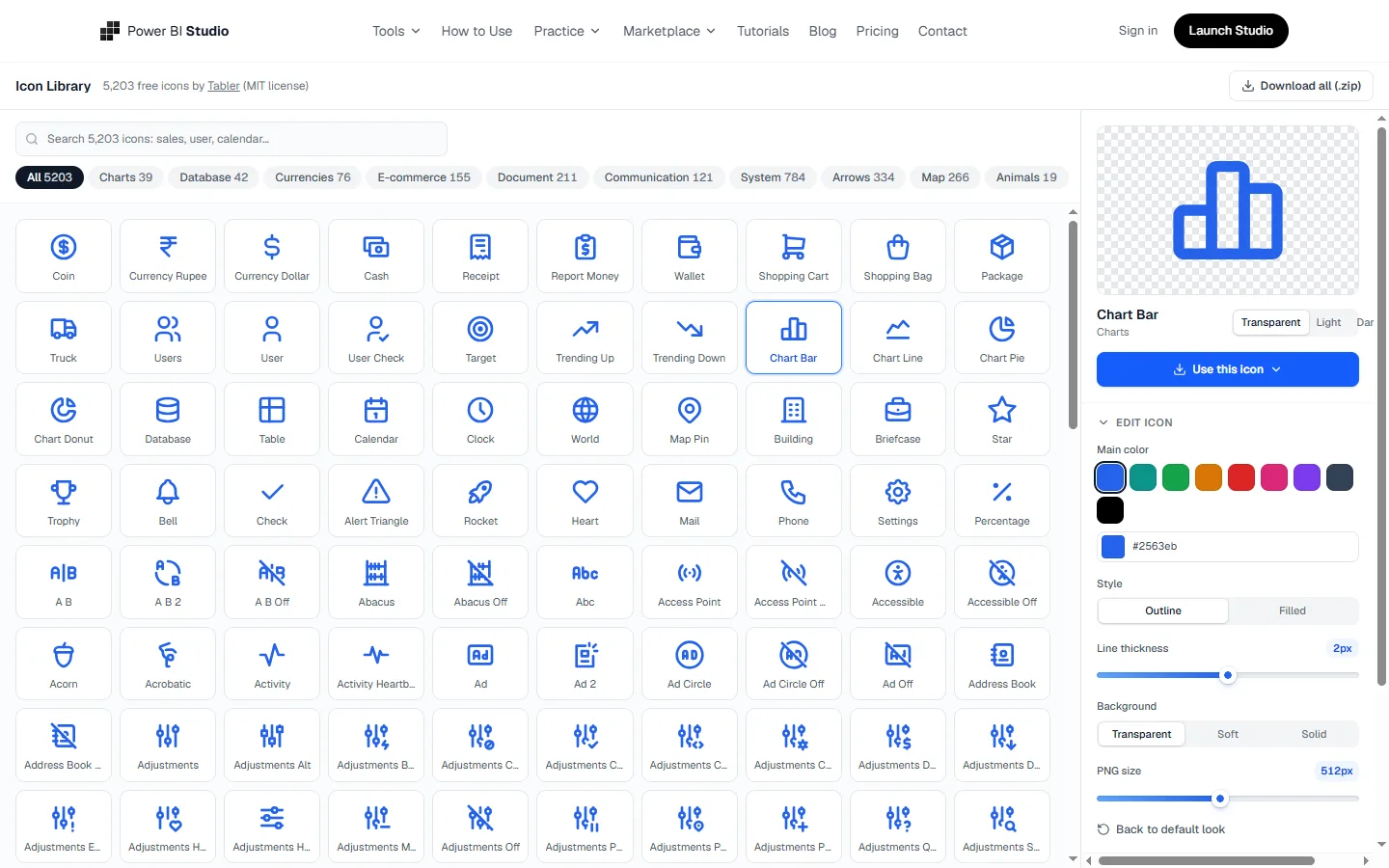
Change colour and size in the browser and download the format Power BI needs.
Outline and filled icons for charts, data, money, people, time and more.
Set any color so icons match your report theme.
Copy SVG or React code, or download SVG and PNG files.
Copy a URL for a table column with the Image URL data category, or add icons to a list and download all their URLs as an Excel file.
No card needed. Upgrade only for the extras listed under Plans.
Nothing to install and nothing to configure. Open the page and start.
Works on any laptop with a modern browser, at work or at home.
What you download opens in Power BI Desktop like any other file of its kind.
Use the Icon Library for free. Upgrade only for the parts below.
Billed yearly
The simplest way is Insert, then Image, and choose the downloaded PNG or SVG. Use this for KPI cards, headers and navigation buttons. Set the image to fit and give it no background so it sits cleanly on your card.
For icons that change with the data, such as an up or down arrow per row, put the image URL in a column, set its data category to Image URL, and show it in a table or matrix.
Keep to one icon style per report, either outline or filled, and one or two colors from your theme. Consistent icons look deliberate; mixed sets look copied from different places.
Yes. The icons come from an open-source set (Tabler Icons, MIT license) and are free for personal and commercial reports.
SVG stays sharp at any size, so prefer it. Use PNG if an older version of Power BI or another tool will not accept SVG.
For a downloaded image, recolor it here and download it again. With SVG code you can also edit the color directly.
Searching, recoloring, copying SVG or React code and downloading SVG and PNG files are free. Copying a Power BI image URL and downloading the Excel list of image URLs need Lifetime.
5,000+ free icons for Power BI. Recolor, copy SVG or get an image URL.
 Design
Glass, futuristic and brand backgrounds with card slots where your visuals sit.
 Design
Build a Power BI JSON theme with AI, ready-made palettes and a live dashboard preview.
 Design
 your own chart in the browser and download a .pbiviz for Power BI Desktop.